

Step 1
Log into cPanel navigate to software Click on SiteBuilder.
Step 2
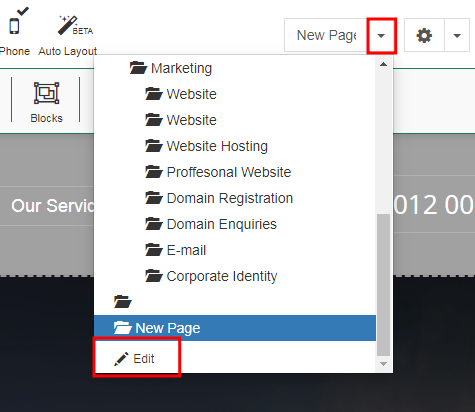
Click on the drop down menu of home and click edit
Step 3
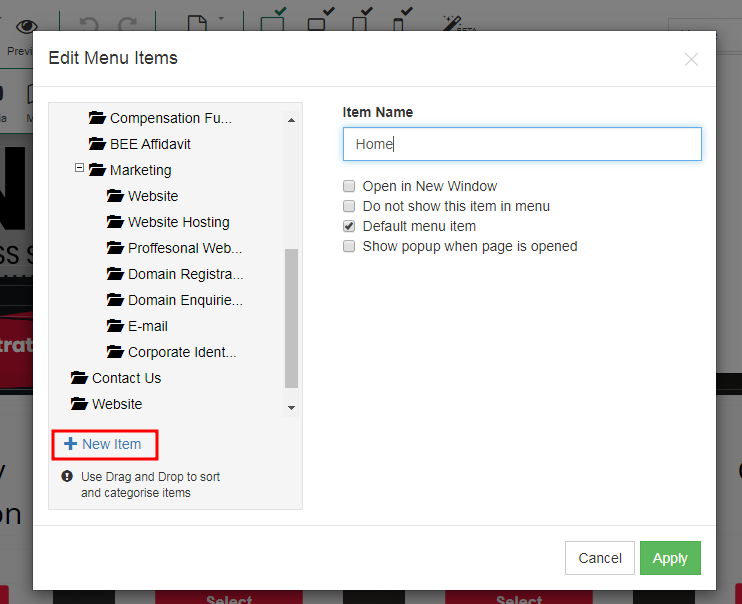
Click on new item.
step 4
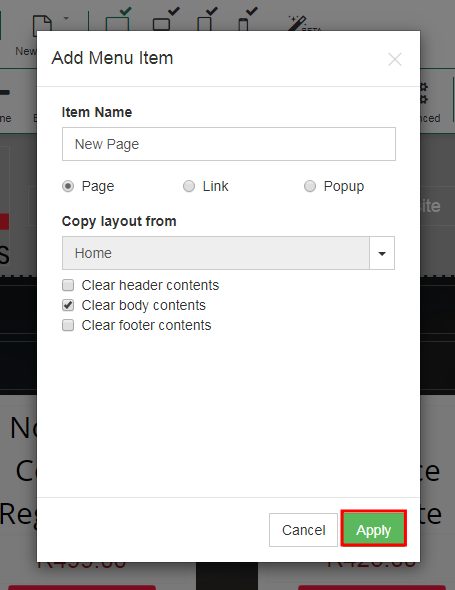
Enter your new page name(examples:Home, About Us, Services, Contact Us).
You can copy a page layout from Copy layout from.
Step 5
Select the settings of your page and click apply.
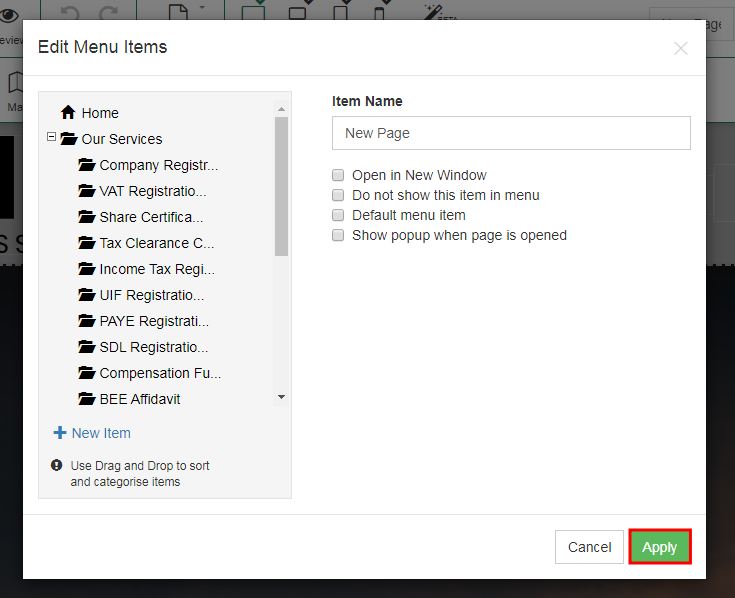
Congratulations! You have successfully added a new page.
