

How to add images

Step 1

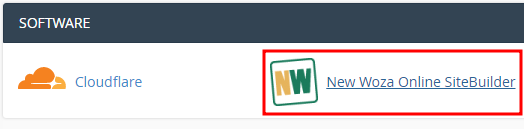
Log into cPanel navigate to software Click on SiteBuilder.
Step 2

Click on Picture.

Step 3

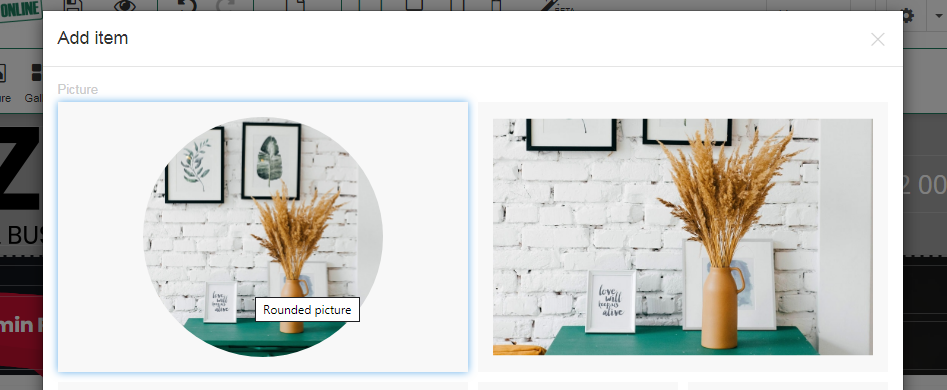
Select a image style.
Step 4

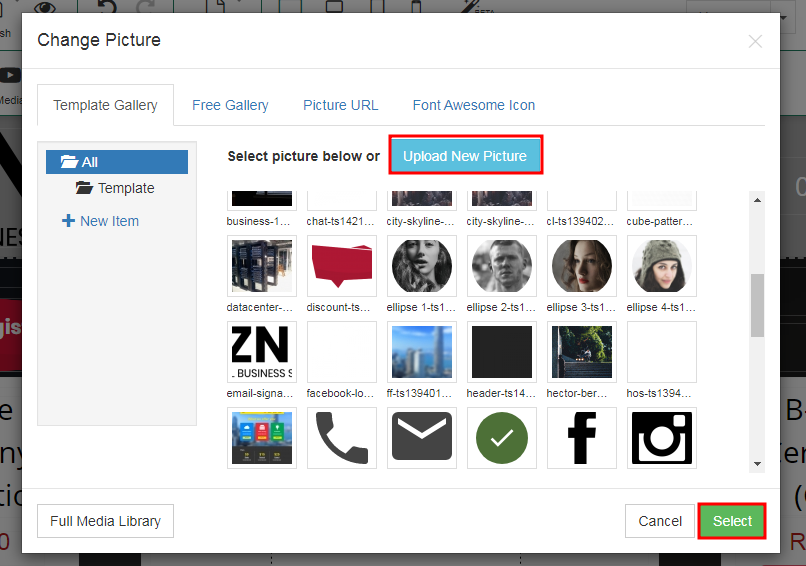
Click Upload New Picture from your computer or Select Picture Below (inculded with the template you choose).
Congratulations! You have successfully Uploaded a image on  your website.

  • 0 Users Found This Useful
Was this answer helpful?

Related Articles

How to restore your website from a previous backup made

Step 1 Log into Cpanel. Navigate to Software. Click on New Woza Online SiteBuilder. Step...

How to make backups of your website (your responsibility)

Step 1 Log into cPanel navigate to software click on New Woza Online sitebuilder. Step 2...

How to add new pages

Step 1 Log into cPanel navigate to software Click on SiteBuilder. Step 2 Click on the drop...

How to publish a website

Step 1 Log into cPanel navigate to software Click on SiteBuilder. Step 2 Click on the...

Drag & Drop features

Step 1 Log into cPanel. Step 2 Navigate to your New Woza Online SiteBuilder. Step 3 Choose...

Powered by WHMCompleteSolution