

Step 1
Log into cPanel.
Step 2
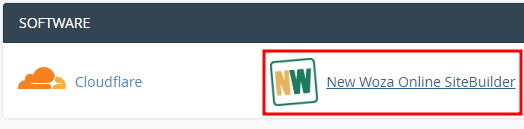
Navigate to your New Woza Online SiteBuilder.
Step 3
Choose a template, Drag & Drop any of these Icons to your template you chose.
What is drag and drop?
The drag-and-drop term is utilized to explain the process of choosing the item or a part of a document, dragging it, and dropping to the additional space. For instance, to implement the drag-and-drop feature to the issue, you should primarily run the mouse pointer above it. Afterward, you should push and withhold the left-click, shift it to the item to the appropriate position, and free the button to install it. The drag and drop website builder is the instrument which permits anybody, who has the Internet appliance, to build their site.

