

Step 1
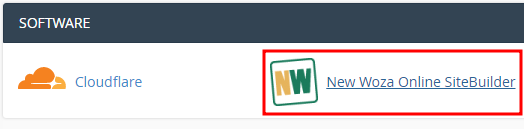
Log into cPanel navigate to software Click on SiteBuilder.
Step 2
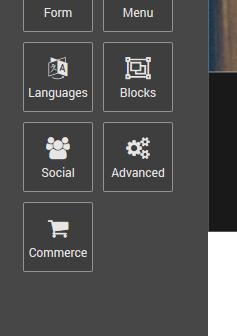
Click on Advanced.

Step 3
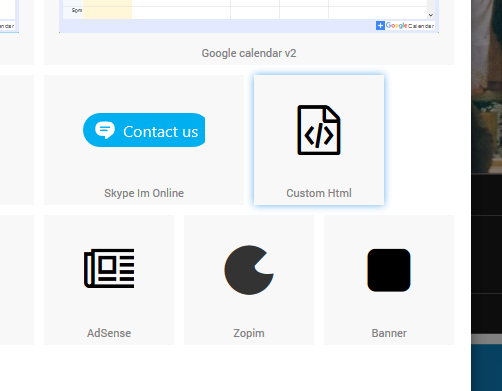
Click on Custom Html.
Step 4
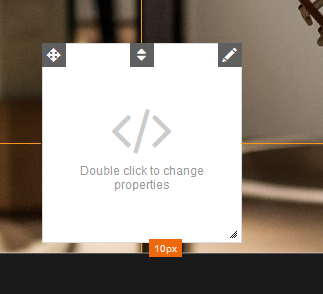
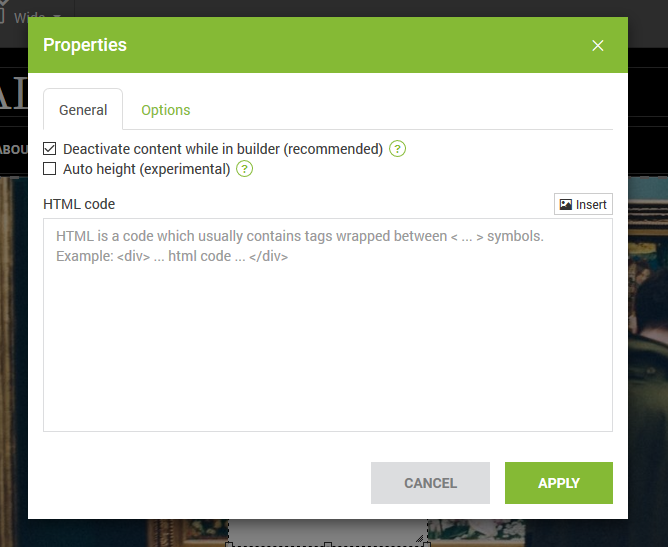
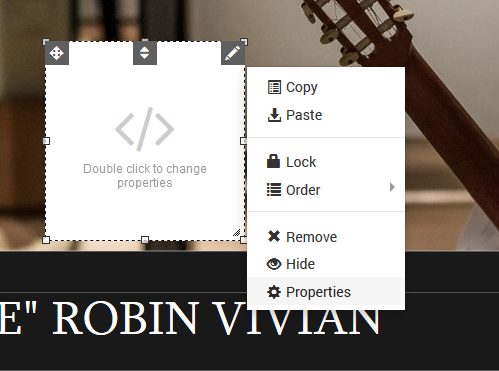
Double-click on the new block to change it's properties.
Step 5
Paste your HTML inside the textarea as shown below and click Apply to save your newly added HTML code.
Step 6
Drag the HTML block to where you would like it to be displayed.
Congratulations! You have just added custom HTML to your New Woza Online website!
